Join Sally as she helps you forge ahead, making use of the Sage Intelligence Connector module

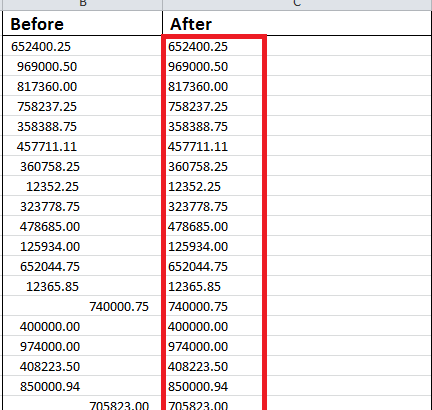
Sage Intelligence gives you a lot of value out-the-box, through the ready-to-use reports provided in the Report Manager and the free reports that you can access via the Report Utility.  If these aren’t exactly what you’re looking for then you also have the ability to tweak them to suit your needs or build your own […]

Continue reading


View specific aspects of several different worksheets on one worksheet

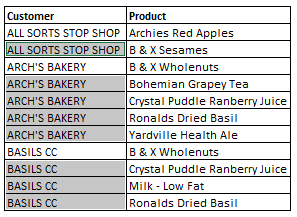
One worksheet can be used to view specific aspects of several different worksheets. This can be done using the Linked Picture option. There are a few options when consolidating information from multiple worksheets, and in this tip, we’ll deal with the most popular. The option for this tip enables you to paste the copied cells […]

Continue reading


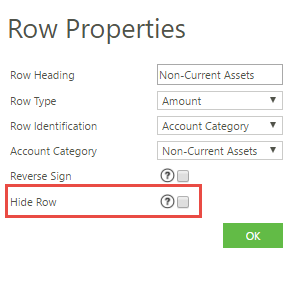
Hide a row or column when designing or editing reports in the Online Report Designer.

Creating a report can be a masterful art, and creating a report that is perfectly tailored to your audience can be an ever-evolving process – especially as the audience evolves. To ensure your report is concise and to the point, it is important to only show the items relevant to your viewers, and not any […]

Continue reading


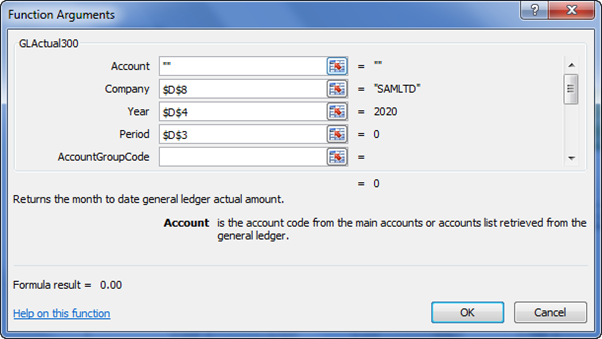
Learn different ways to add and edit Sage Intelligence formulas in the Financial Report Designer

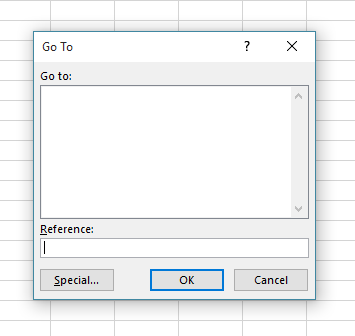
Once you know how to create your own customized reports, using the Sage Intelligence Report Designer and Microsoft® Excel®, you have the power to analyze any aspect of your financials!  At the core of this is knowing how to add and edit Sage Intelligence formulas in a report.  In this tip, I’ll show you the […]

Continue reading