8 tips to use when working with reports in the Excel Report Designer for Sage Intelligence

Sage Intelligence Reporting Cloud provides convenience to you as it lets you work in whichever environment you’re most comfortable in. You can either choose to design reports in your browser through the Online Report Designer or in Excel—through the Excel Report Designer. When making use of the Excel Report Designer, there are a number of […]
Continue reading


Learn how to turn a single-company report into a multi-company report

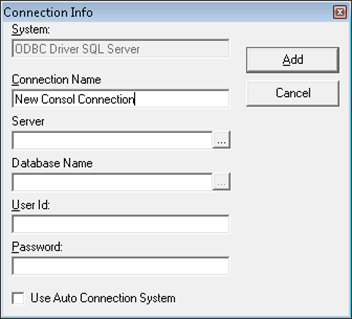
In Sage Intelligence, a number of reports are provided out-the-box for each Sage product. Most of these are standard ‘single company’ reports with some of them provided as consolidation versions—allowing you to aggregate data from multiple companies and create a multi-company report. It is, however, possible to turn any standard report into a consolidation report, […]

Continue reading


View specific aspects of several different worksheets on one worksheet

One worksheet can be used to view specific aspects of several different worksheets. This can be done using the Linked Picture option. There are a few options when consolidating information from multiple worksheets, and in this tip, we’ll deal with the most popular. The option for this tip enables you to paste the copied cells […]

Continue reading


How to reverse the sign of an account in your Sage Intelligence Financial Report Designer

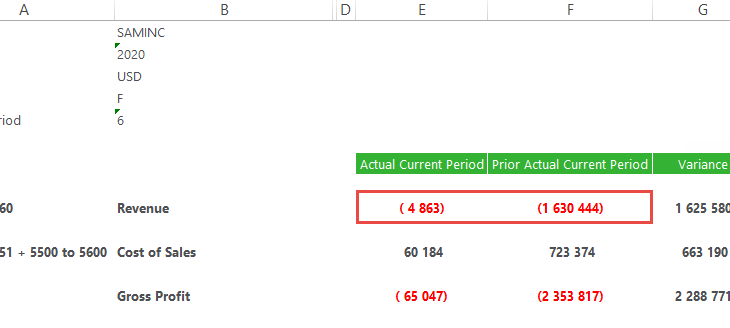
In the Sage Intelligence Financial Report Designer, account balances are returned in their “natural format” from your Sage accounting or business management solution.  Therefore, credit accounts (with a credit balance) are shown as negative values and debit accounts (with a debit balance) are shown as positives values.  However, in financial reporting, there are times when […]

Continue reading


How to ignite your Excel skills to save time and increase your productivity

Microsoft® Excel® has become one of the most widely used software applications of all time, in both small and mid-sized businesses—as well as in much larger corporations.  Whether you like it or not, Excel is everywhere you look in the business world. By investing time in your Excel skills, you’ll not only increase your efficiency in operating the […]

Continue reading