Learn how to grant or restrict access to reports in the Sage Intelligence Report Viewer

Did you know that you can grant or restrict access to reports in the Sage Intelligence Report Viewer? Sage Intelligence makes this easy to do.  Perhaps you’re busy developing a new report and you don’t want users to be able to run it from the Viewer until you’re happy with it.  In this tip, I’m […]

Continue reading


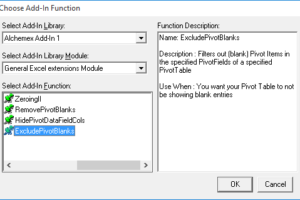
Conveniently remove blank item rows in your PivotTable reports

When creating reports, it’s usually preferred that rows with irrelevant data are excluded—as this results in a tidier, more readable report.  When it comes to PivotTable reports, this can include rows with blank items.  Below is an example of a report with them shown. To get rid of them, we have an add-in specifically for […]

Continue reading


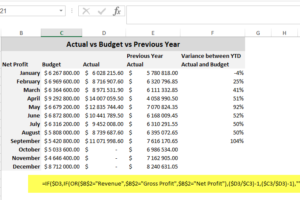
Learn how to report on more than just your financials in the Financial Report Designer

The Sage Intelligence Financial Report Designer report provides a comprehensive tool for your financial reporting needs.  However, there may be times when you’d like to include other data in it to add to the information you can report on in a single report. Although the Report Designer has a defined structure which must be maintained, […]

Continue reading


Business partners, lead your demo with sizzle to drive better results!

Gone are the days where software demos would start with an architectural diagram of the solution stack, leading into showcasing the general ledger, posting a transaction, and finally demonstrating the net result (which was all usually followed by a yawn, stretch, snore, or thoughts of lunch). Current industry trends suggest that, for the most part, […]

Continue reading