View specific aspects of several different worksheets on one worksheet

One worksheet can be used to view specific aspects of several different worksheets. This can be done using the Linked Picture option. There are a few options when consolidating information from multiple worksheets, and in this tip, we’ll deal with the most popular. The option for this tip enables you to paste the copied cells […]

Continue reading


How to reverse the sign of an account in your Sage Intelligence Financial Report Designer

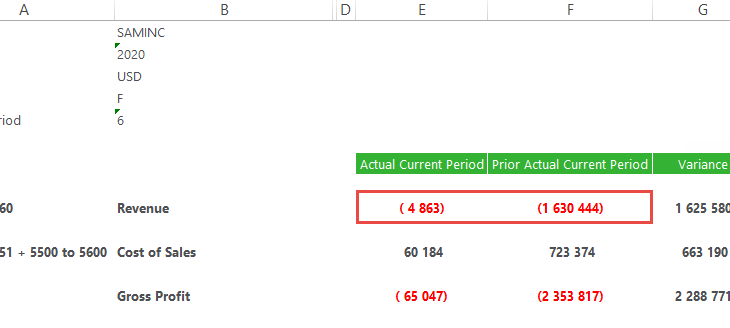
In the Sage Intelligence Financial Report Designer, account balances are returned in their “natural format” from your Sage accounting or business management solution.  Therefore, credit accounts (with a credit balance) are shown as negative values and debit accounts (with a debit balance) are shown as positives values.  However, in financial reporting, there are times when […]

Continue reading


3 Reasons why your business should invest in a Business Intelligence solution

A good Business Intelligence solution will give your company a competitive advantage, and there are many compelling reasons why all business owners should make it a priority to invest in one. Here are the top three: Reason 1: Automate reporting processes Most companies face constant pressure to increase profitability, improve cash flow, reduce costs, and […]

Continue reading


Learn how to consolidate different kinds of data into one report

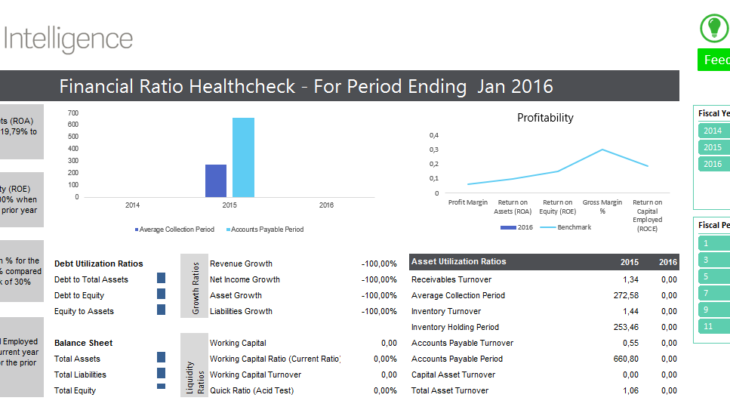
Do you want to consolidate, bring together and analyze different kinds of data in one report?  You may want to view your financial, payroll and payments information in a single dashboard.  Currently, you may be spending a large amount of time reviewing these different reports to be able to draw a final conclusion.  In Sage […]

Continue reading