Tips & Tricks

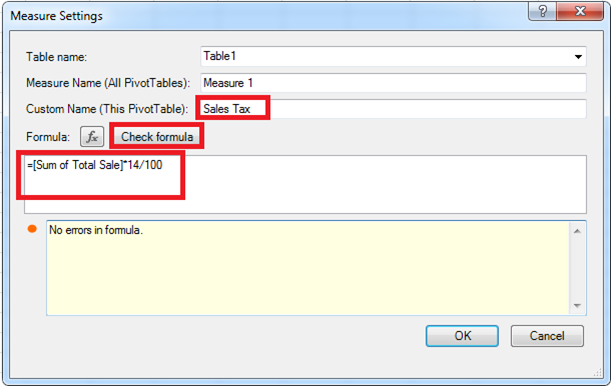
Using conditional formatting with custom Excel formulas

Conditional formatting is an effective Microsoft Excel feature that allows you to highlight important information, for example; the ability to find duplicate values within your spreadsheet. You can create your own rule by applying conditional formatting to individual cells or a range of cells. When you have selected the data you want to format, you […]

Continue reading


Learn how to share your report between different users and companies

Did you know that in Sage Intelligence you can design a report in one company and view that same report in a different company?  That’s right, just as long as those companies carry the same account structure, you can share your report. This report will go through the following process: Designed in one company Exported […]

Continue reading


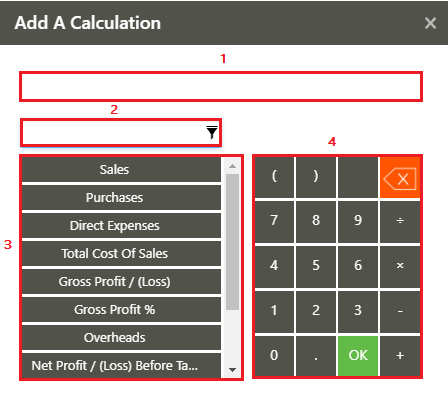
Two ways to create calculated columns and rows in your Sage Intelligence reports

To create insightful and highly customizable reports, Sage Intelligence provides you with the ability to add calculated columns and rows to your reports.  These can be used to calculate, for example, variances, totals and other indicators at account and account category level, or based on your columns.  The below provides and explanation of the different […]

Continue reading